

#1 Squishy
#2 Ugly Food
#3 Baking
#5 Back of the Moon
#4 Shadows
SUP DUP. is an creator platform sharing stories of creators who are active across design fields.
"We believe our small experiences can become a huge wave of inspiration for someone else. Please share your precious story with us—for you and for all creators around the world."
https://www.youtube.com/@SUPDUPDOT
Objective
Creating 5 short bumper videos (5-10 seconds each) to use between scene transitions.
Production Period: 3 weeks (August 2026)
Software Used: Blender, After Effects, Photoshop
Due to the short three-week timeline to create multiple clips single-handedly,
Generative AI was actively used alongside 3D creation.
SUP DUP. Channel Bumper
#2 Ugly food
Production Process
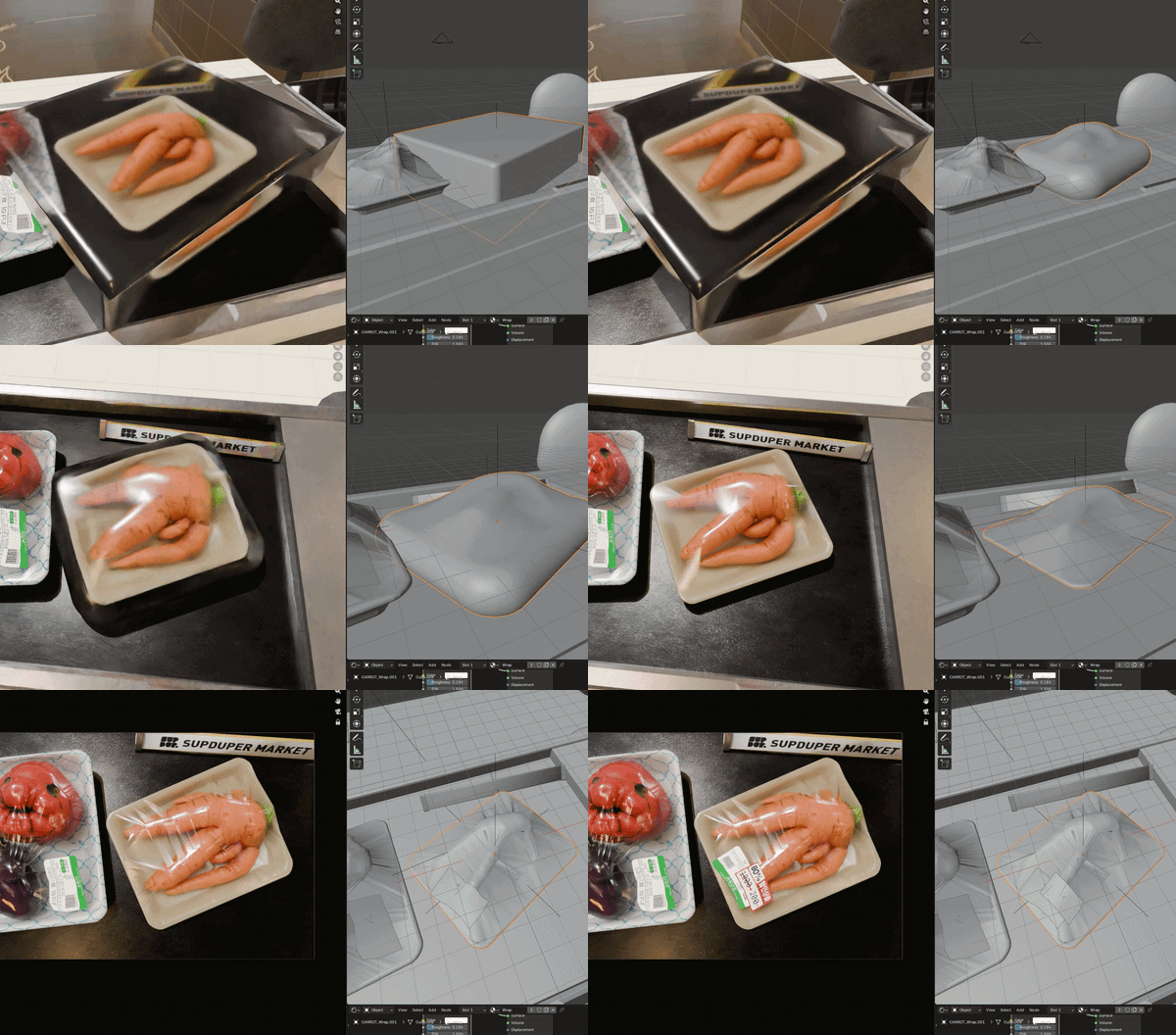
This Full 3D animation using Blender

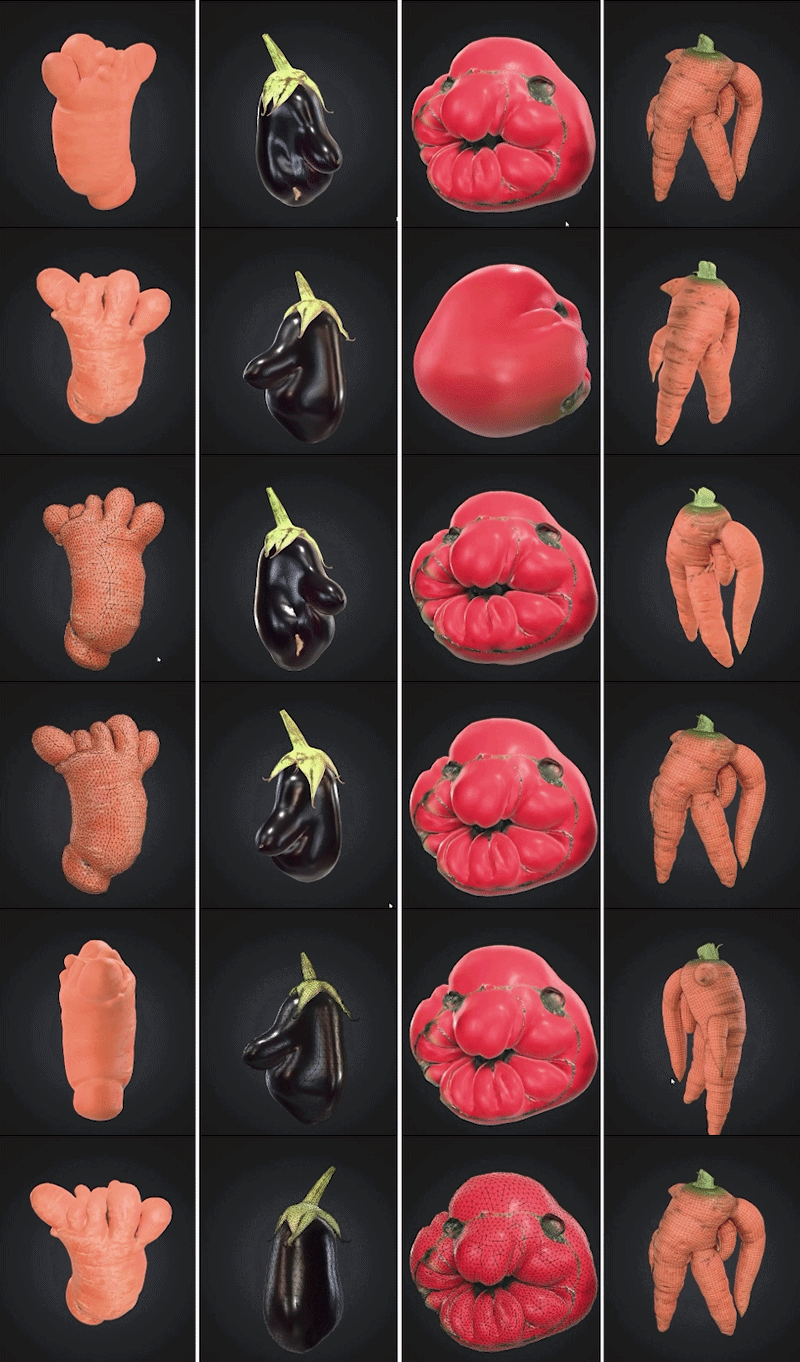
Used Meshy AI for Image to 3D model
Custom Label
Wrapping and labelling


#2 Ugly food
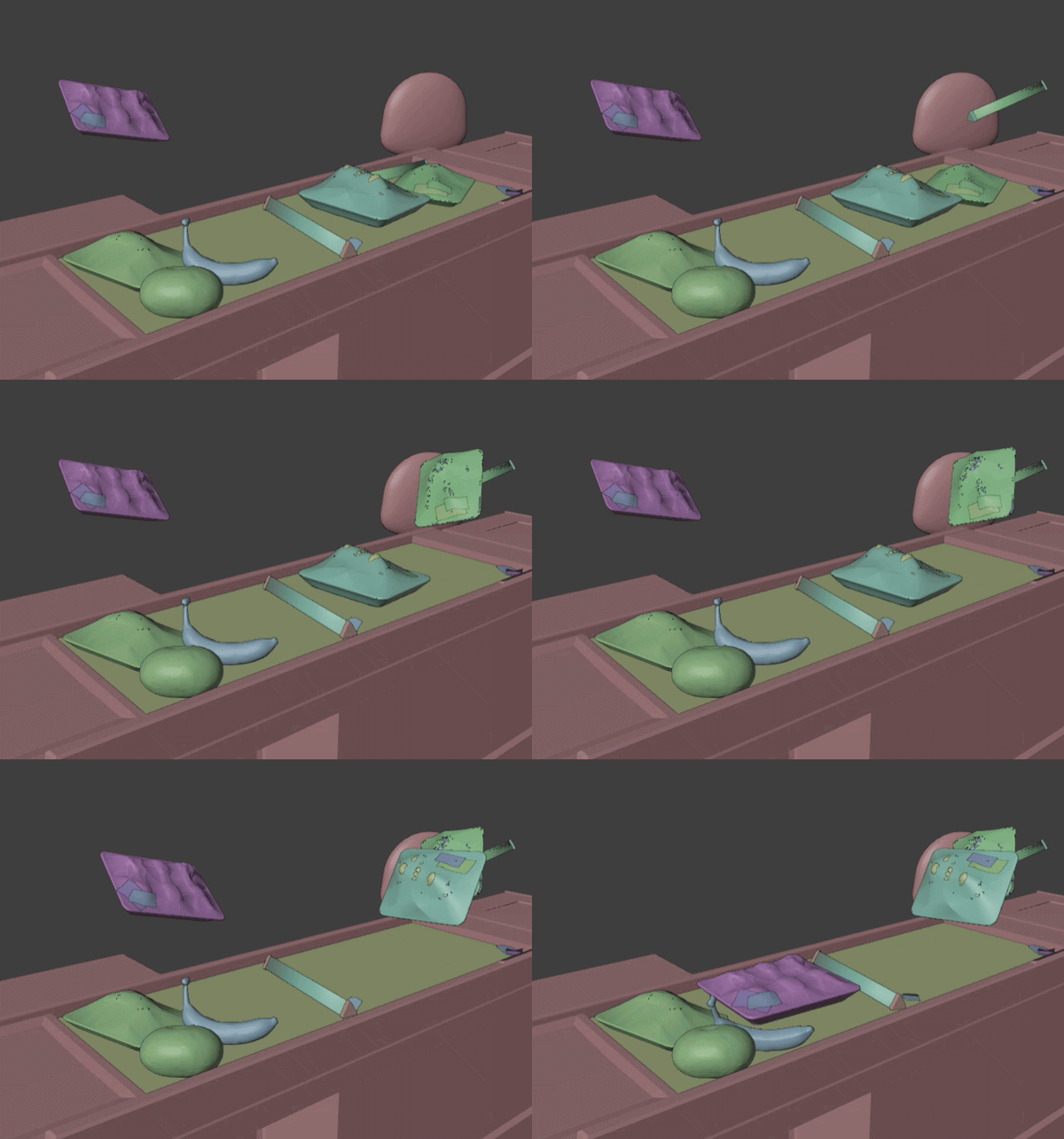
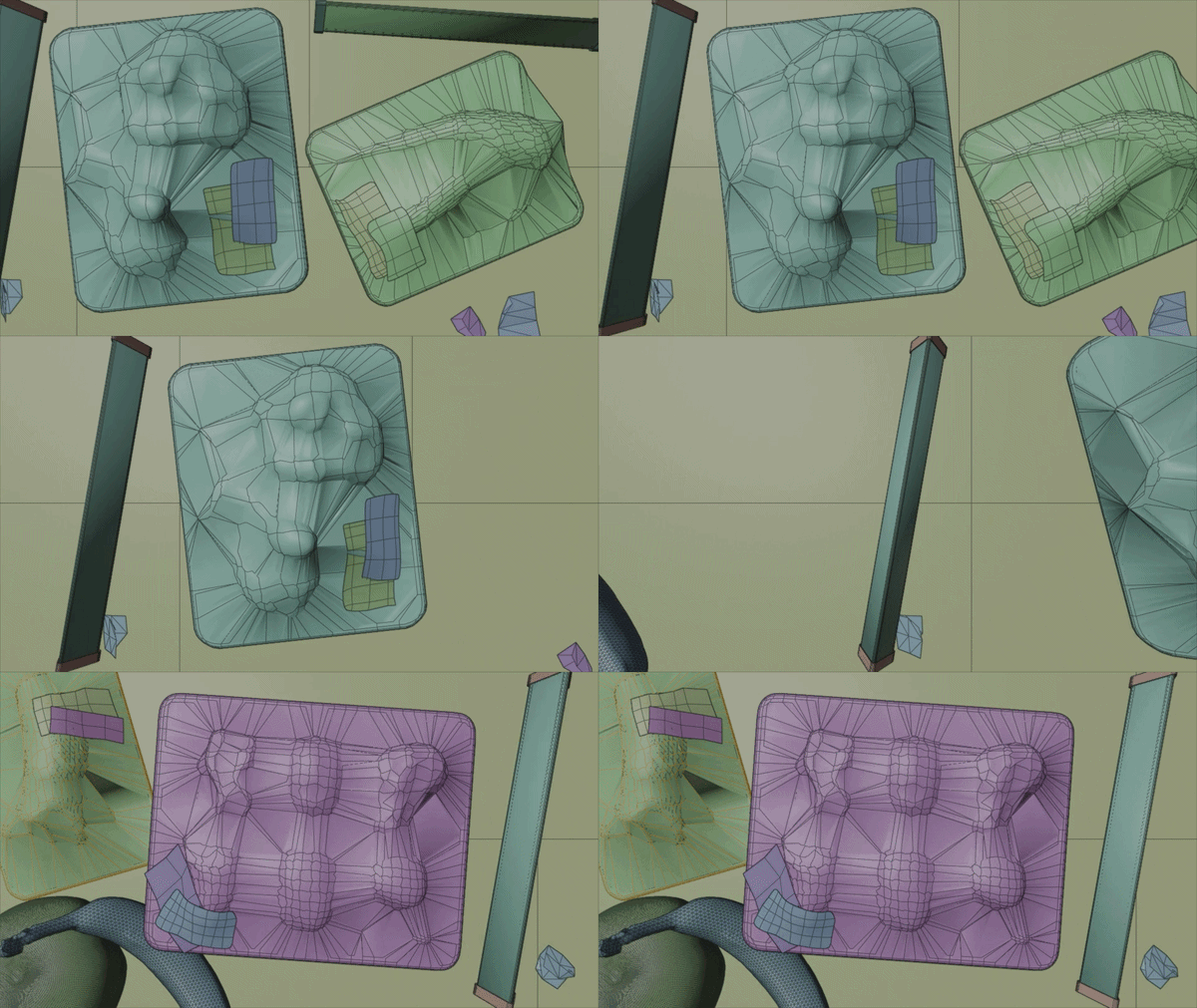
Ugly Food refers to fruits and vegetables that lose their commercial value and get wasted because they are misshapen or bruised. They might be ugly, but they hold delicious potential. I connected this with the slogan, EVERYONE HAS POTENTIAL.

#1
Squishy
#1 Squishy
Production Process

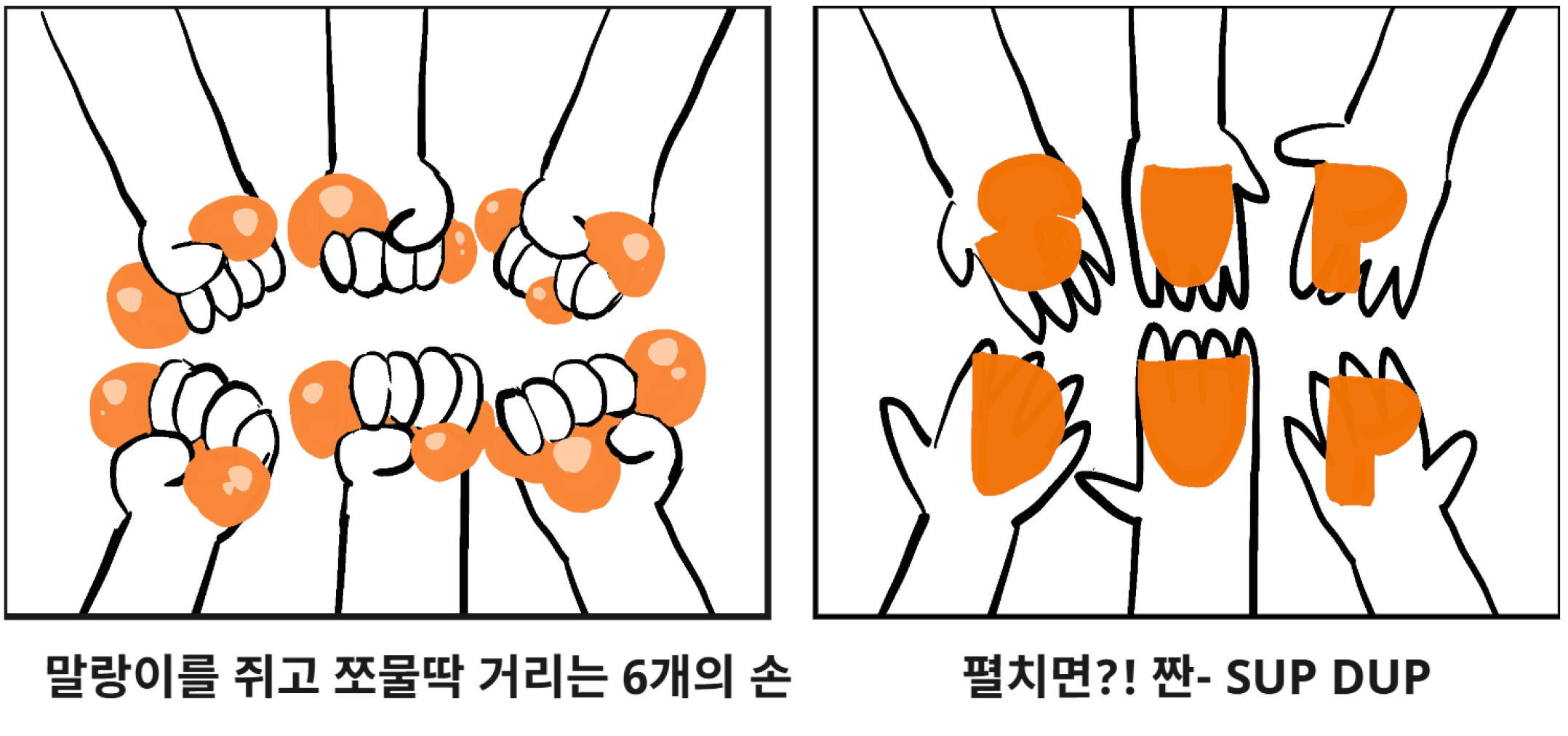
Hand drawing Sketch
Storyboard
Model : Nano Banana 2
Prompt
Stylize @image1 with 3D animation style like @image2
@image 1
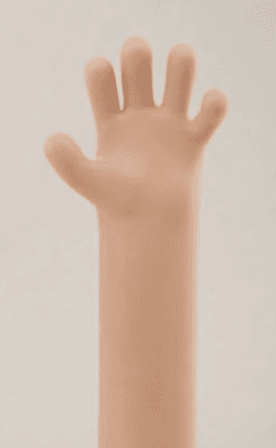
Style Reference


@image2
Model : Photoshop partial Image generate
Issue:
AI mistakenly generated the text SUP DUP from @image3. We fixed this in Photoshop to match the original logo shape.
Model : Nano Banana 2
Prompt
Stylize @image3 with 3D animation style like @image4
@image 3
@image 4

Concept Photo


@image 12


@image 5

@image10
Model : Nano Banana 2
Prompt
Change the material of each squishy in @image5. Change the first to @image6, the second to @image7, and the third to @image8. Keep the original shapes as they are.


@image6,7,8,9
Model : Nano Banana 2
Prompt
In @image10, change it so all hands squeeze the squishies tightly, referring to @image11, @image12 for the distorted shapes, but keep the original texture and color of each squishy.
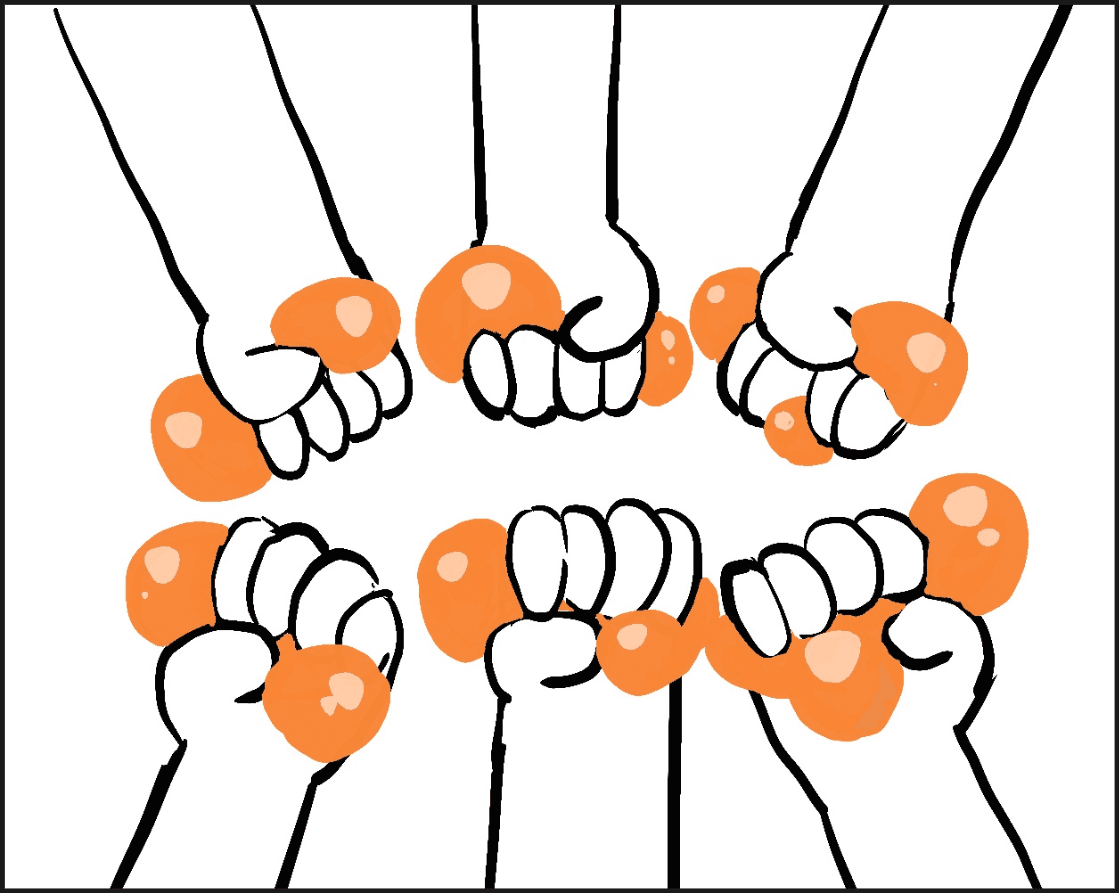
@image11
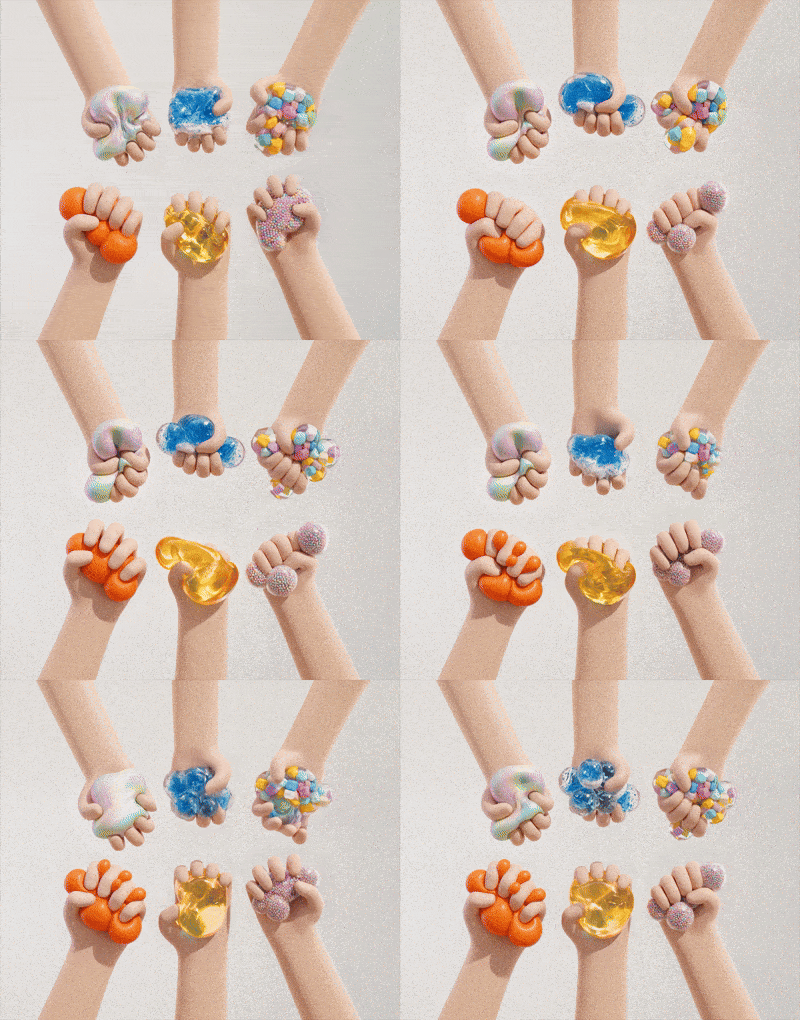

Start Frame
@image13
@image14
End Frame
Image to Video
Image to Video
Model : Kling 3.0 Omni
Prompt
The hands quickly squeeze the squishy over and over. The squishy distorts based on the squeezing force.
Model : Kling 3.0 Omni
Prompt
The hands quickly squeeze the squishy over and over. The squishy distorts based on the squeezing force.
Start Frame
@image14
@image10
End Frame
Currently shows only the squeezing motion
Included the full animation from squeezing the squishy to unfolding it into the logo
Connected at the back of the video
Animation
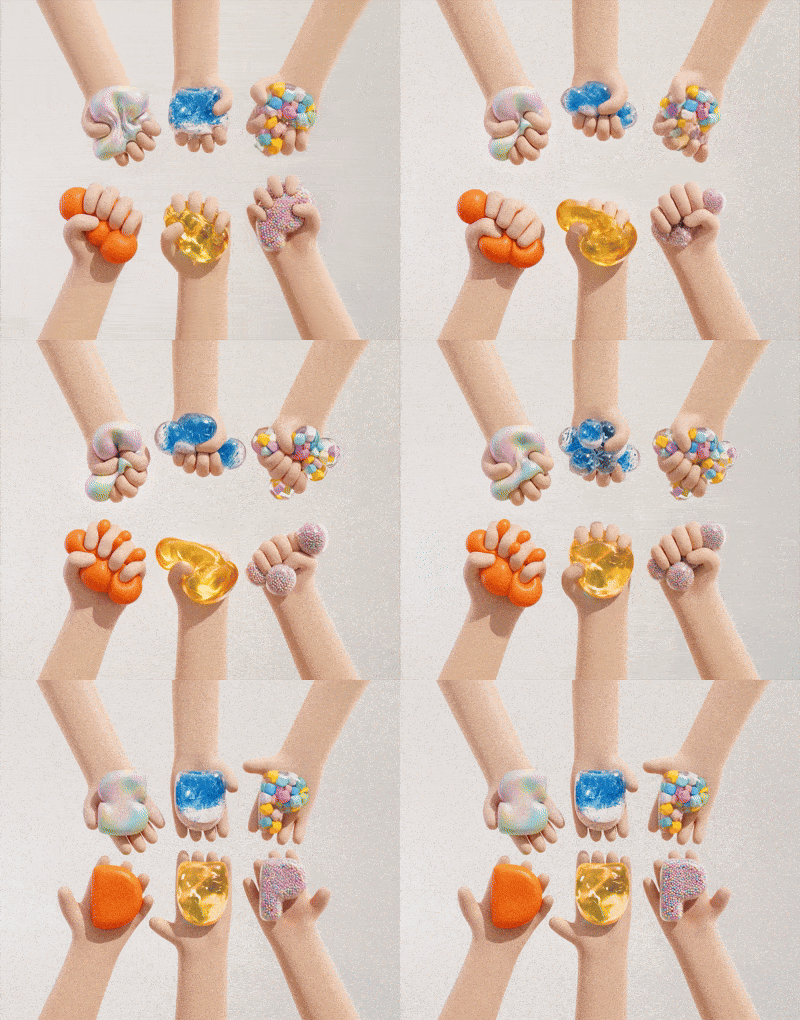
@image10
Lighting/Background
Final Outcome
@image15
@image16

Model : Nano Banana 2
Prompt
Apply @image11 as the background for @image10. In @image10, change the skin tone of the second and fourth hands to dark brown, and the fourth and fifth to brown.

Model : Nano Banana 2
Prompt
Cast shadows of the hands on the ground. Use natural sunlight as the key light so the hands blend naturally with the background.


Video to Video
Model : Seedance 2.0
Prompt
Change the background of the video to @image16. Naturally connect the shadows and animations so the hands and objects blend well with the background.
Issue
It completely failed to follow the request to make the shadows move.
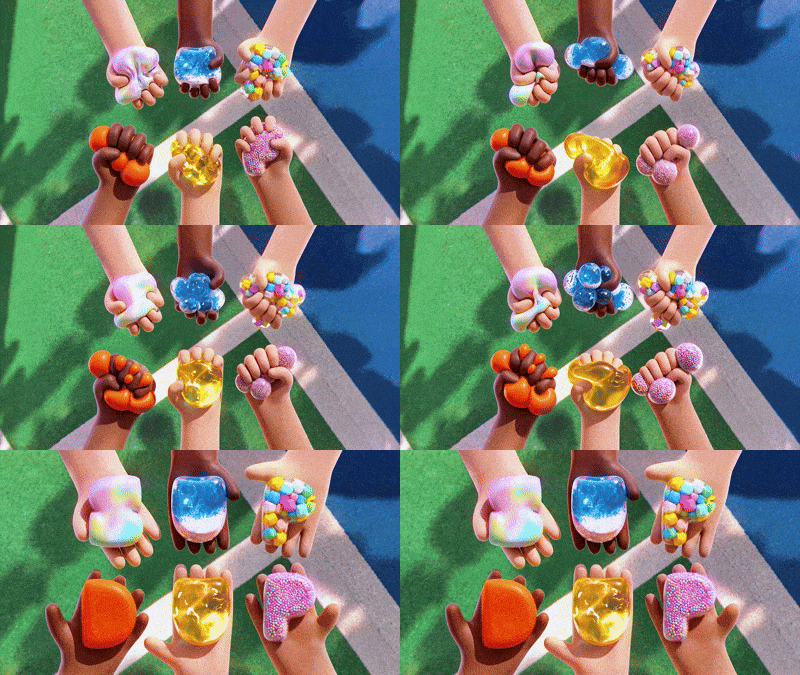
Somebody joked, "Your brain is like a squishy, so you'll probably make lots of creative stuff." So I took that literally and just turned the logo into a squishy! This object fits the brand keywords well, —'Youth, Freedom, Flexibility, and Energy'.
By showing creators freely squeezing squishies of different materials and textures, I wanted to capture the creative energy who build their own unique potential in their fields.
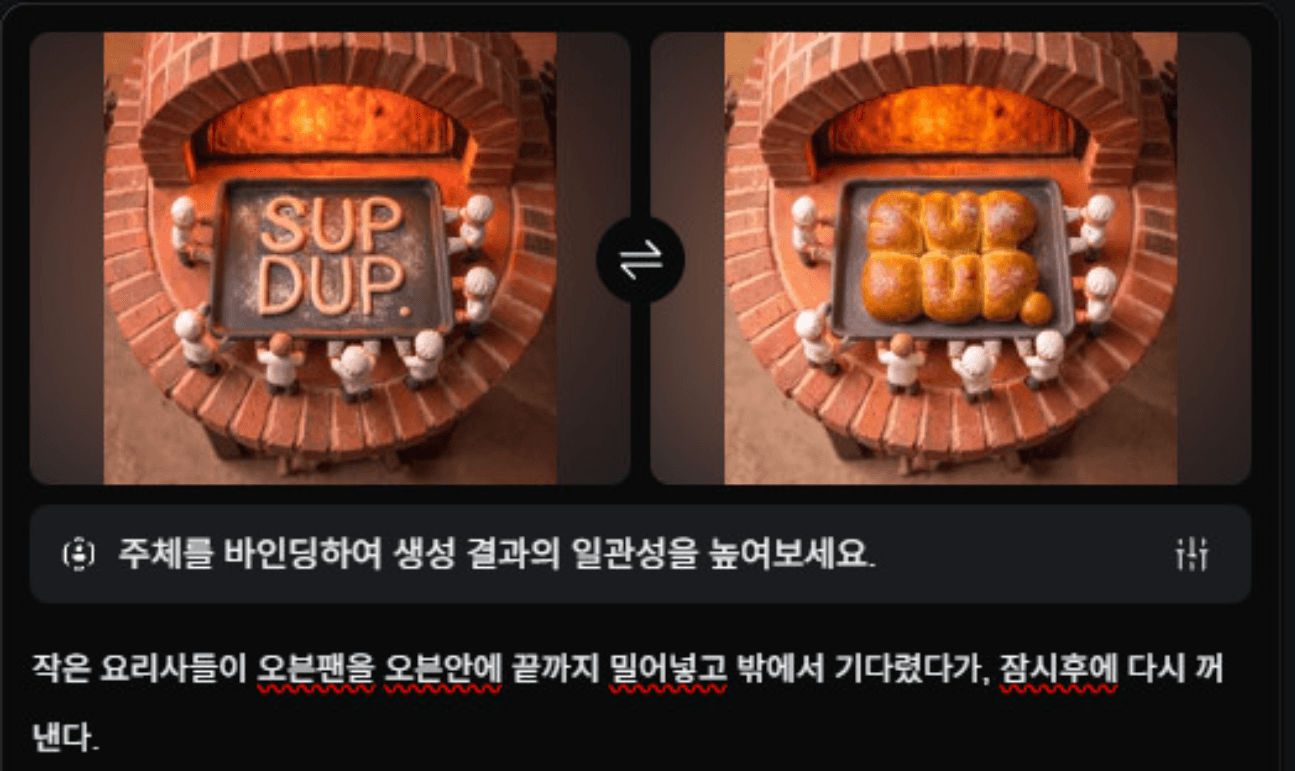
Placing thin dough in the oven always brings excitement about the finished bread. Just as dough transforms into different breads in the oven, I bake SUPDUP.-shaped bread to symbolize the unexpected potential of creators.
#3 Baking
#3 Baking
Production Process


Model : Nano Banana 2
Prompt
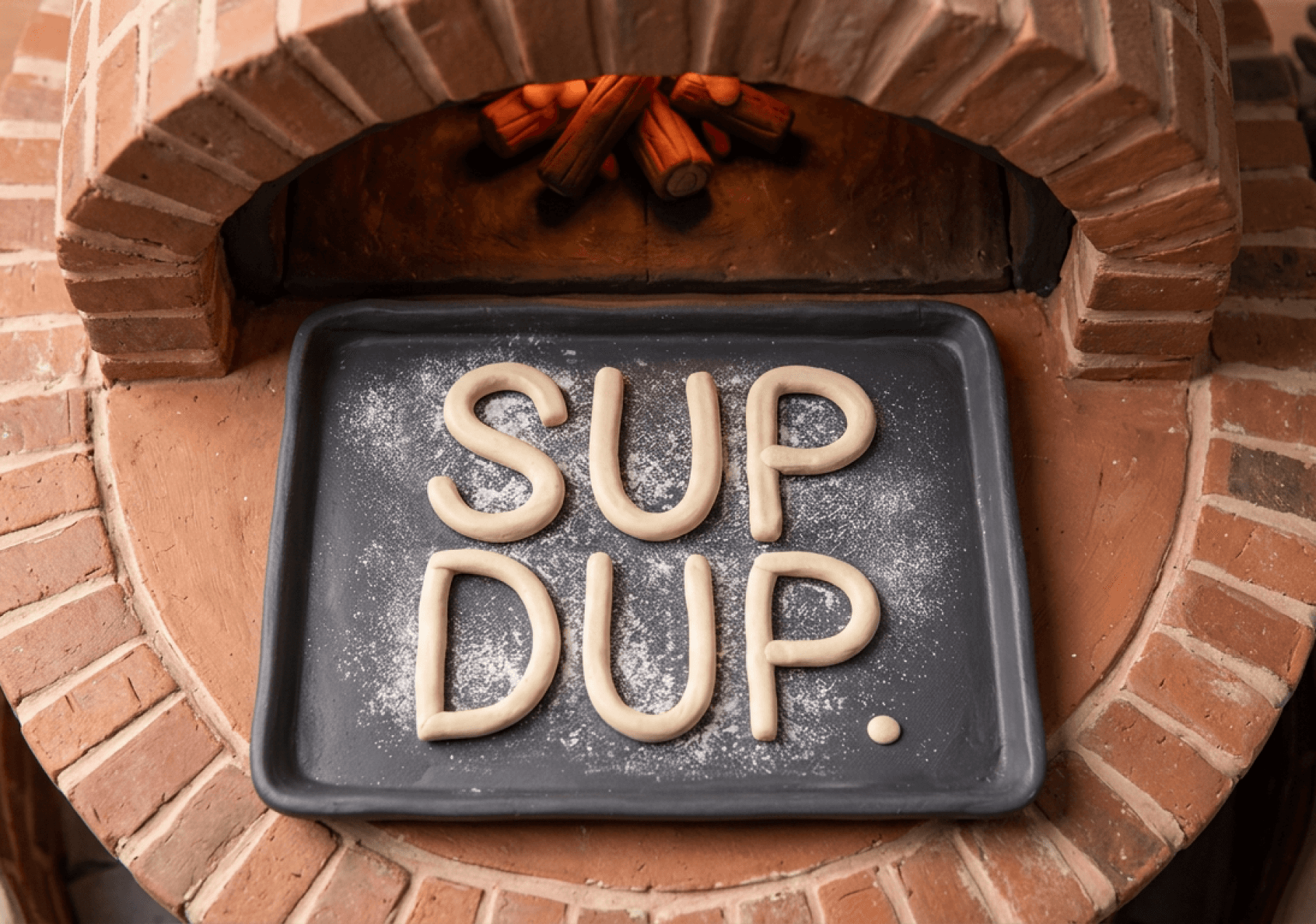
Change the dough on the baking pan into the letters
SUP
DUP.
+Apply a miniature style.
Model : Nano Banana 2
Prompt
Make the dough swell dramatically after baking, giving it a thick, chunky form like @image2.
@image2
@image 1

Model : Nano Banana 2
Prompt
@image3 is a top view of the baking pan entering the oven. Reference @image4 for the appearance of the oven and @image5 for the baking pan. Maintain the miniature style.
@image 3
@image 4
@image 5


Model : Nano Banana 2
Prompt
Replace with tiny chef characters holding up the baking pan from underneath.
Issue
AI failed to understand that the pan needed to be held from underneath, resulting in gloves resting on top of the pan instead.
Removed gloves manually in Photoshop
@image6


Model : Nano Banana 2
Prompt
Change the bread on the baking pan to @image7
@image7


+ Lighting / Color


Start Frame
End Frame
Start Frame
End Frame

Image to Video
Model : Kling 3.0
Prompt
The tiny chefs push the baking pan all the way into the oven, wait outside until it swells, and then pull it back out a moment later.
ISSUE
The model failed to understand pushing the pan in, waiting for it to swell, and pulling it back out. :(
Often making the bread swell in place without moving. Thus, I decided to split the scene into separate cuts.
Model : Kling 3.0
Model : Kling 3.0


#3
Shadows
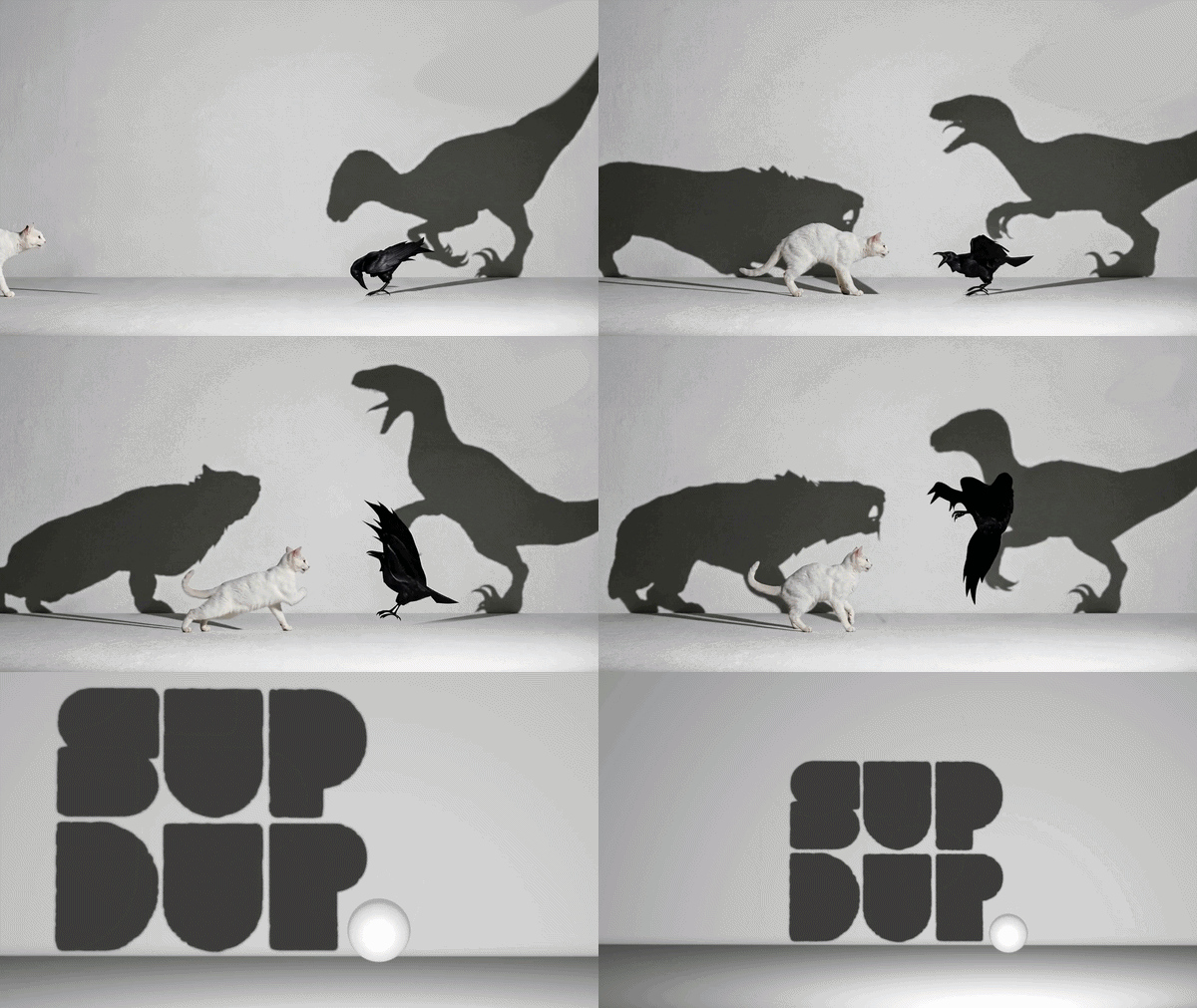
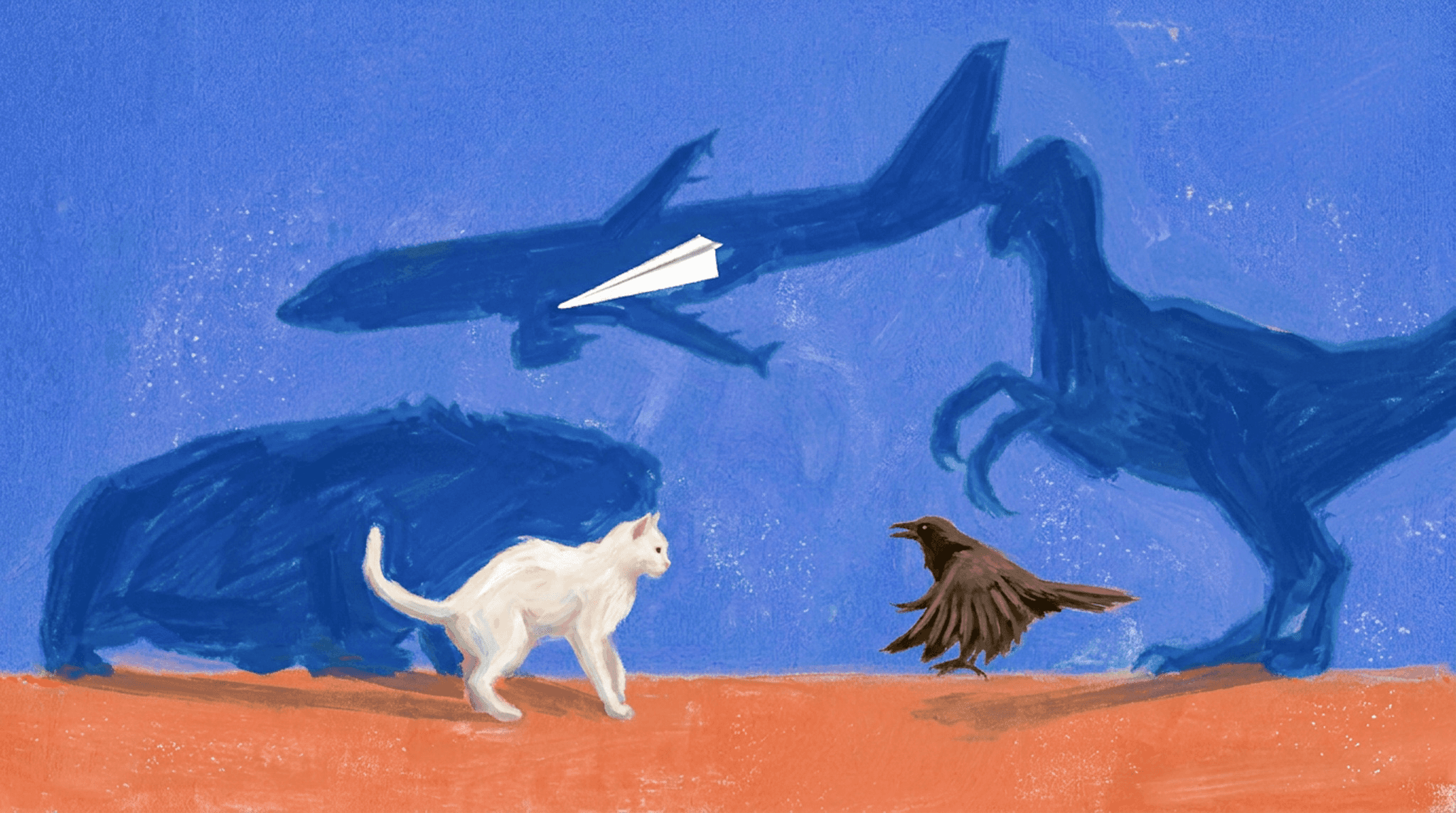
Pigeons carry dinosaur genes, and cats hold the instincts of wild predators. Even a paper plane has the potential to soar like an aircraft. Everyone hides a grand true self waiting to be revealed.

#3 Shadows
Production Process


Storyboard
Style Reference
AI struggles to recognize the shape difference between subjects and their shadows :(
fails to sync their movements.
The interactions among the cat, crow, and paper airplane is too complex, so couldn't be brought.
Unchanged area remain completely static between the Start and End frames. This should naturally paint over with the motion flow.
A cat and a crow face off. The cat’s shadow is a wild feline, and the crow’s shadow is a dinosaur.
They pause as a paper airplane passes overhead, casting the shadow of a large airliner.
Soon, a huge ball drops, and the animals run away.
As the camera zooms out, a massive logo is revealed as a shadow.
Reasons for not Image to Video AI:
Step1. Matching Animations
Step2. Shadow Production Guide
Align the animations characters (cat) and its shadow (Tiger) so they looks connected.
Enter – Snarling – Attack – Cowering – Turning around → running
Hide the meshes of Tiger and Dinosaur, leaving only their shadows.
Similarly, hide the shadows of Cat and Crow, leaving only their meshes. The scale and pivot positions of the actors must be matched as closely as possible without far offset.
This is to create a seamless connection at the contact point where the feet touch the ground, which is the origin of the shadow.
Previz
Final Outcome
Model : Seedance 2.0
Prompt
Keep the exact camera movement, timing, framing, and motion choreography from @video1 Apply the exact visual style, lighting, art direction, and color palette from @image1 @image2 and @image3
Replace the visual appearance with the character/art style in @image1 @image2 while preserving the exact actions in @video1. Make the brush painting naturally blend in, layered over the character as it moves.
@image1 @image2 and @image3
@video1
Video to Video